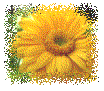
1. You have
an image and want to get an original border around it.
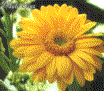
2. First create
a rectangle lasso to get the border.
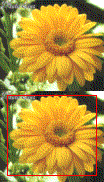
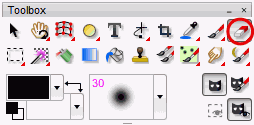
3. Now select the Rubber from the tool bar. Select Tool/Mask/Invert. Then click on Work on Whole Picture in the tool options dialog.
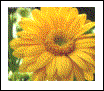
4. Now select Tool/Mask/Expand. Setup a value for example 10 pixel.
5. Now select
Filter/Quality/Sponge and setup a filter size depending on the image
size, for example 9.